
ENGAGE XR
From field notes to a faster way in.
Client
ENGAGE XR — Dublin, Ireland
Role
In-house UX Designer
Duration
2 years
Sector
Multiplayer XR / non-gaming
Scope
Field research, interaction redesign, design leadership
Product context
A massive multiplayer metaverse for education and collaborative XR events, used across wildly different contexts (live events, classrooms and multiple language markets).
Main challenges
Designing for a non-gaming, multiplayer XR product used across wildly different contexts (live events, classrooms, multiple language markets), each with its own onboarding friction and accessibility needs.
User research in the field
On-site user testing at Venice Immersive to observe how users interacted with the app in a real context. Findings were translated into concrete improvements grounded in direct user feedback.
Simplified session entry flow
Redesigned the user flowchart for joining sessions, resulting in the implementation of QuickLink: a shortcut that significantly reduced entry friction.
Native multi-language keyboard
Designed a custom keyboard to internationalize the platform. This involved prioritization with the dev team to build a fully native keyboard with language-specific interactions.
Arabic support was added, requiring the entire app to be adapted to RTL (right-to-left) reading direction, supported by in-depth research into Arabic app design conventions. Early concepts were prototyped in Spline 3D to communicate the vision to the team before development began.
Meta had no native Arabic keyboard at the time, so we built ours from scratch with no guidelines to follow (as far as we know, the first in XR to do it). That meant flipping the entire interface to right-to-left, and understanding how people actually read in that direction: which icons had to be mirrored, and which had to stay exactly as they were.
Desktop interaction redesign
Since ENGAGE XR is not an action game, conventional mouse and keyboard controls did not fit the experience. The entire desktop interaction was redesigned, and a contextual hint system was added, allowing users to show or hide control guides as needed.
Drawpad — collaborative multiplayer whiteboard
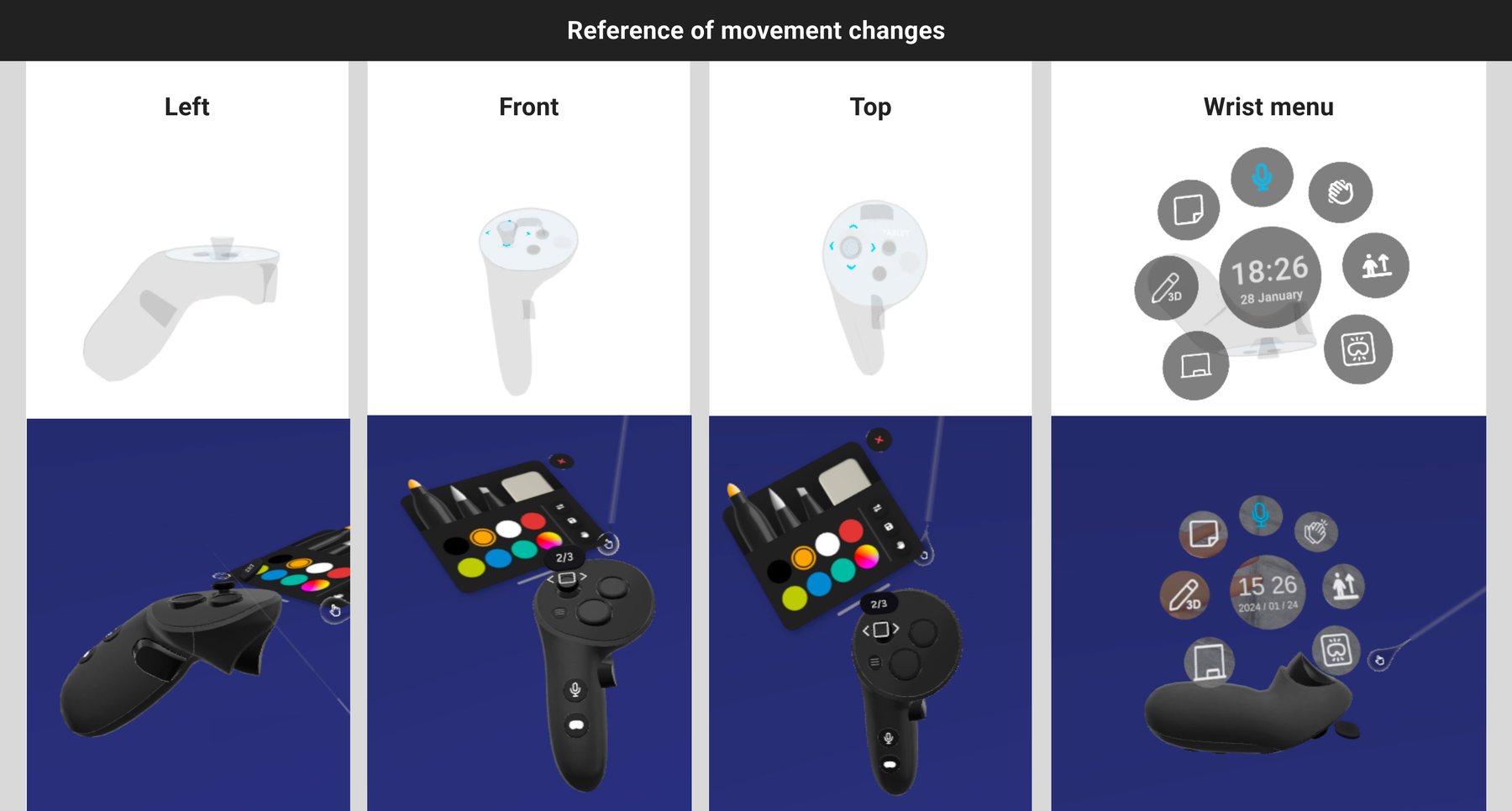
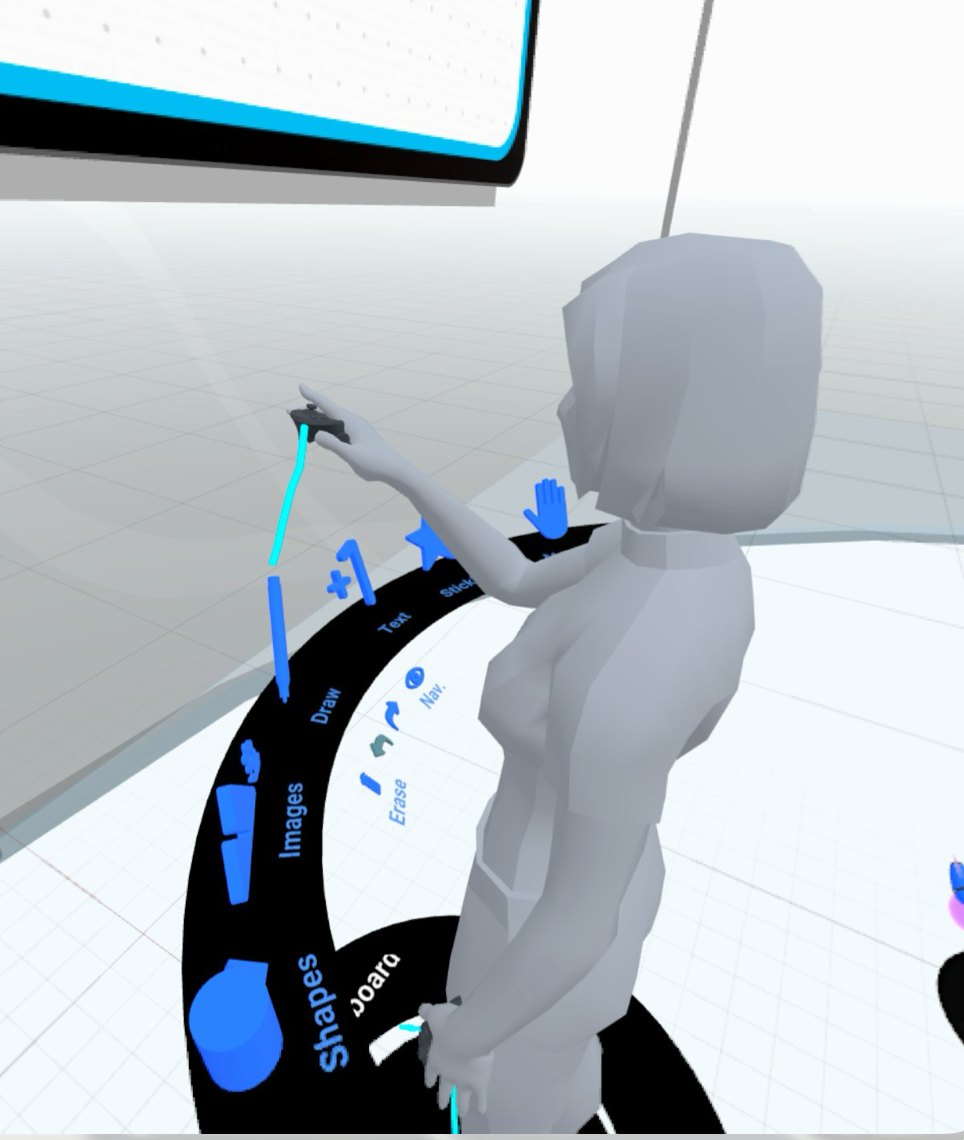
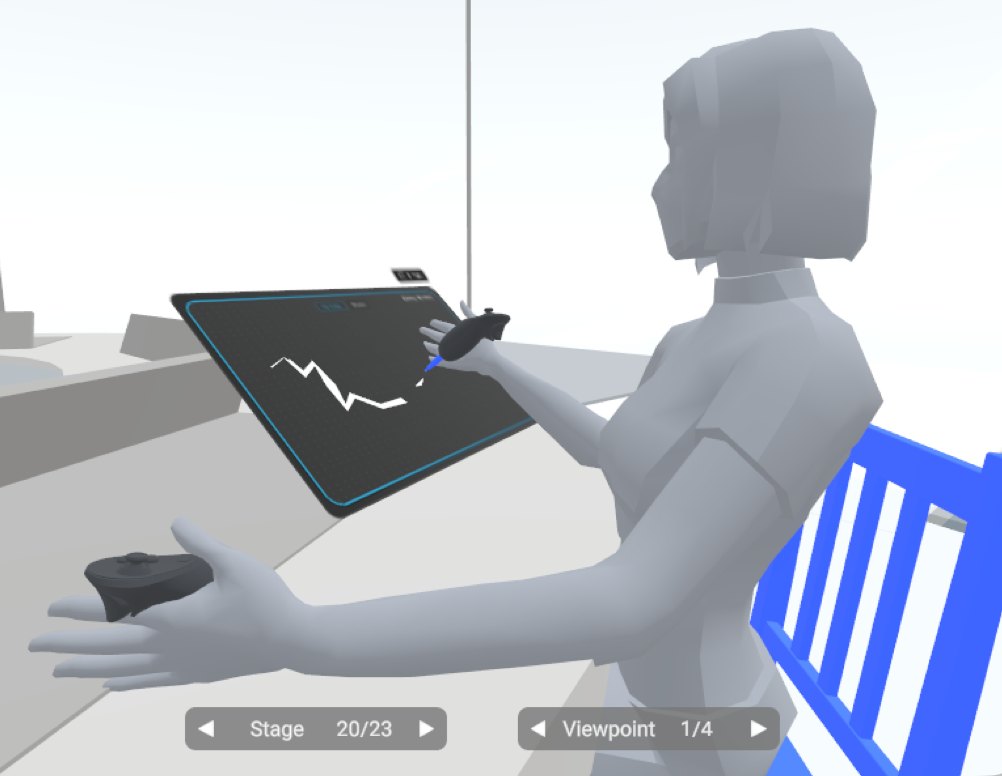
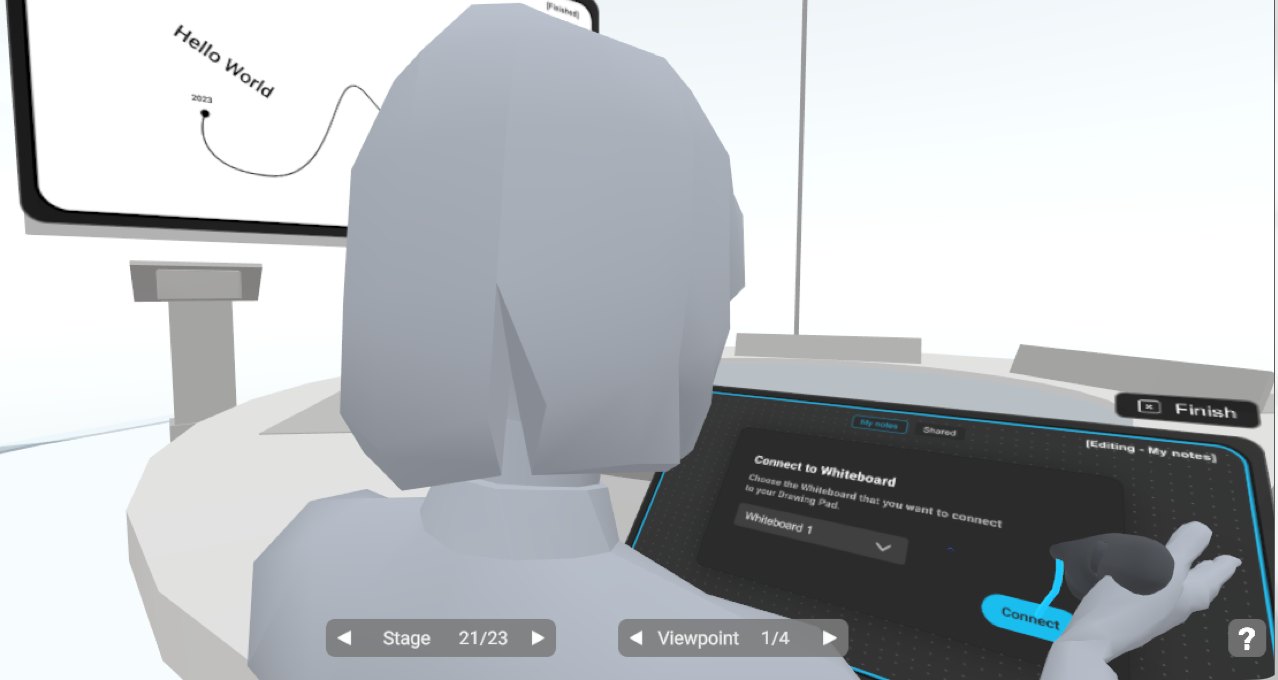
Conceptualized in ShapesXR, Drawpad is a real-time collaboration feature with two layers: a personal space where teachers and students can draw and take private notes during sessions, and shared whiteboards embedded in the 3D environments where that content could be displayed and interacted with together.
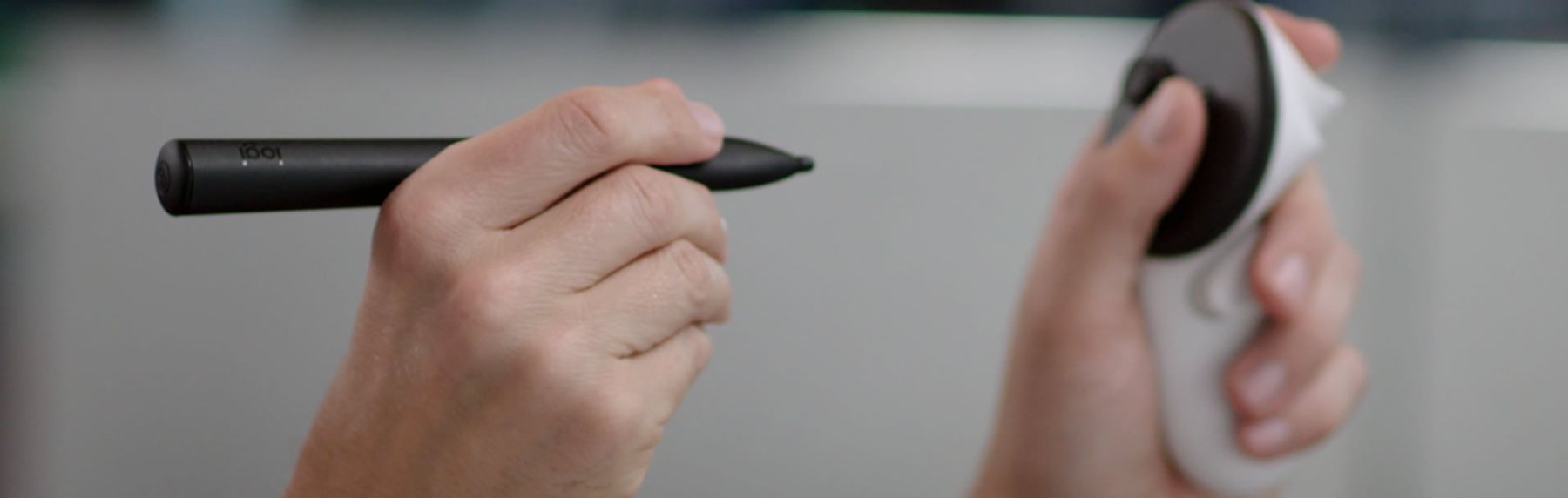
The feature also integrated the new Logitech Pen, and introduced a mixed reality onboarding experience: users could anchor their Drawpad to their real desk, allowing them to write and draw with physical surface resistance, making the interaction feel far more natural and realistic than gesturing in mid-air.
Wireframing in 3D
Every feature was wireframed in ShapesXR before it was built, and Drawpad was no exception. Working in three dimensions and at real scale lets you stand inside the layout and judge distance, reach and comfort before anyone writes a line of code. A flat mockup cannot answer those questions.
Leadership & quality
Beyond design, I oversaw developer implementation to ensure the built product matched the intended experience, and regularly tested APKs acting as UX QA, bridging the gap between design intent and technical output.
I also led a team of junior UI designers, guiding them to bring each concept to life with consistency and quality.
AI-driven avatars
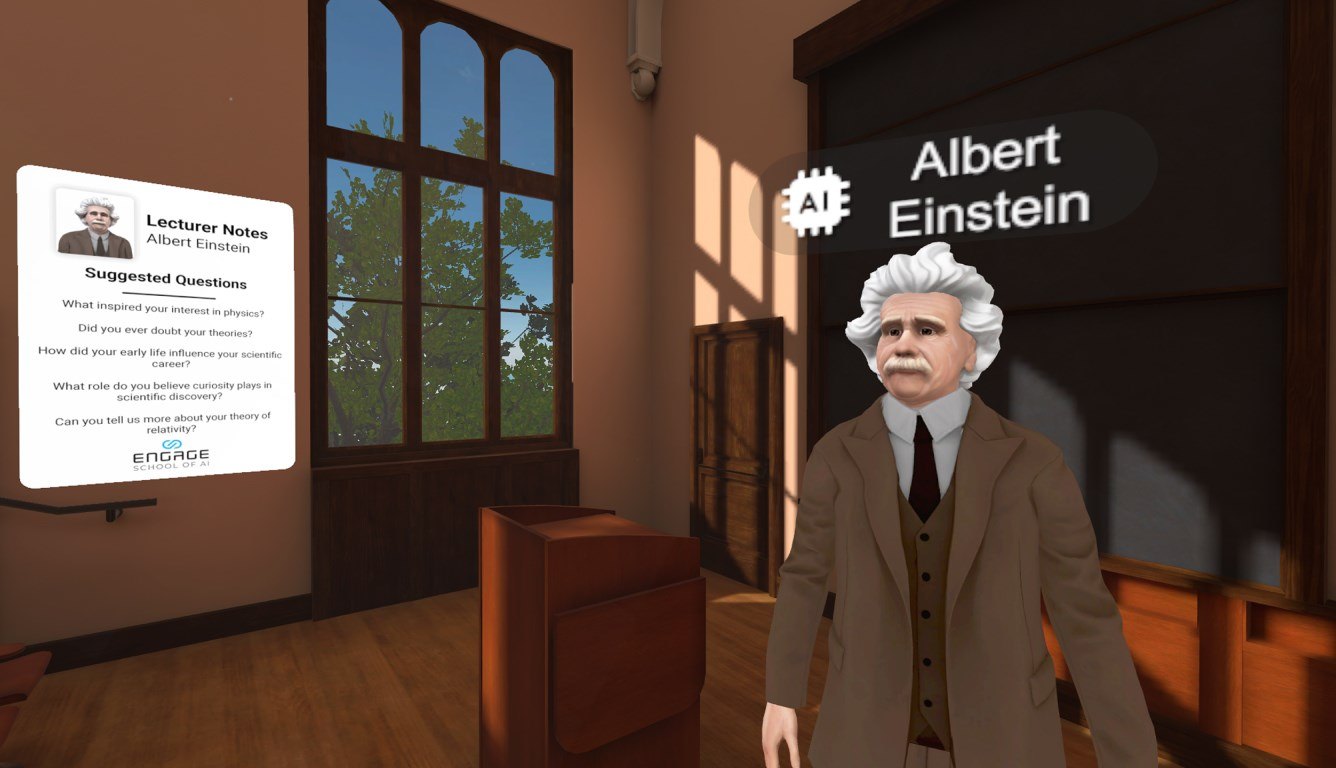
We added historical figures as AI-driven avatars and tested the interaction until it read on its own. People had to know, without being told, when the avatar was listening and when it was their turn to speak into the microphone in natural language.
We also built guardrails, so that each avatar only answered within its own history and character, and every conversation stayed historically accurate.
Get in touch
with Celia
Meet Celia. She's the heart of KA Studio. Technology connoisseur. Gamer. Designer. User centered.
She builds the right team for every project.
No two get the same lineup.